
Animal Crossing Terraforming Guide for Beginners 2026

Animal Crossing New Horizons Terraforming Guide for Beginners
You unlocked terraforming, stared at your island for 20 minutes, and placed exactly one cliff before undoing it in a panic. That’s not a skill issue — terraforming in Animal Crossing: New Horizons is genuinely overwhelming without a roadmap. Here’s the one that actually works.
- Terraforming unlocks after getting K.K. Slider to perform on your island.
- You need a 3-star island rating from Isabelle before K.K. visits.
- The Island Designer app controls cliffs, rivers, and custom paths.
- Cliffs max out at 3 levels high — plan vertical space early.
- You cannot terraform the airport or Resident Services plaza area.
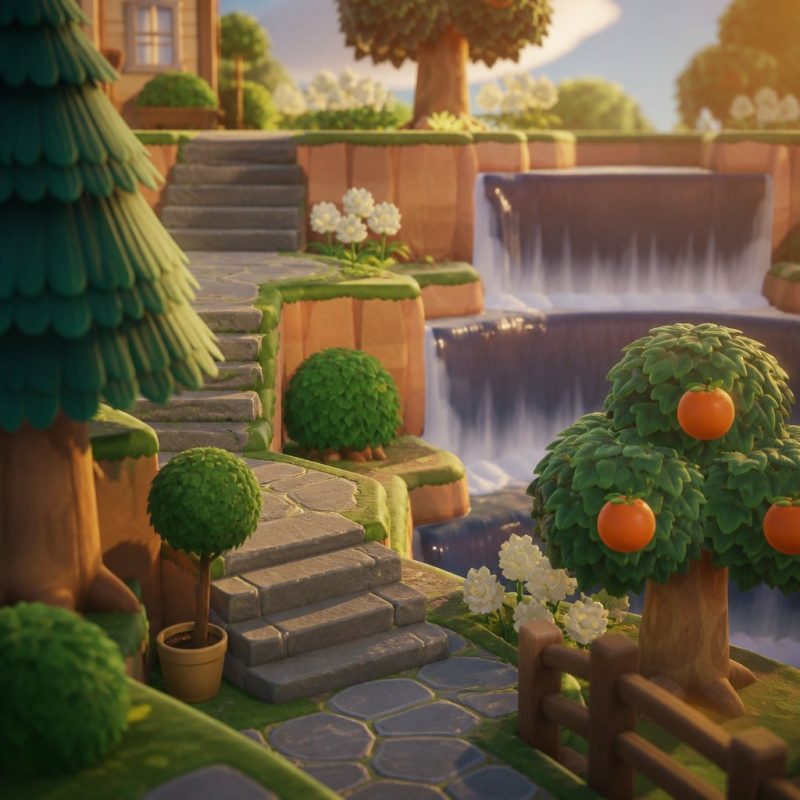
How Do You Unlock Terraforming in Animal Crossing: New Horizons?
Terraforming unlocks the morning after K.K. Slider performs his first concert on your island. Tom Nook hands you the Island Designer app directly — no store purchase needed.
Getting there takes real effort. You need Isabelle to rate your island 3 stars, which requires at least 7 villagers, enough furniture placed outdoors, sufficient plantings, and a tidy overall appearance. Isabelle gives daily feedback when you talk to her — use it. She’ll tell you exactly what’s dragging your score down, whether that’s too many weeds or not enough outdoor decoration.
You Might Also Love These Ideas


Once you have 3 stars, K.K. Slider visits the following Saturday. After his concert, Tom Nook upgrades your Nook Phone with the Island Designer app and two free path permits. Waterfall and cliff construction permits cost 6,000 Nook Miles each at the Nook Stop terminal — buy both immediately. Without them, your terraforming options are severely limited.
Most players unlock it between Day 10 and Day 20 of real-world play, depending on how aggressively they invite villagers and decorate outdoors.
Check out our Animal Crossing New Horizons beginner’s guide if you’re still working toward that 3-star rating — it covers the fastest path to getting Isabelle happy.
What Can You Actually Change With the Island Designer App?
The Island Designer app lets you create and destroy cliffs, create and fill in rivers and ponds, and lay or remove custom path surfaces. Those three tools reshape everything.
Here’s the breakdown of what each permit covers:
- Cliff Construction Permit (6,000 Nook Miles): Build or demolish cliff faces. Cliffs stack up to 3 levels. The top level is the highest you can place anything.
- Waterway Construction Permit (6,000 Nook Miles): Dig new rivers, create ponds, and fill existing water. This is the most powerful permit for layout control.
- Custom Path Permits: Lay custom designs as ground paths. You can also use the 8 built-in textures — dirt, sand, stone, brick, dark dirt, wooden plank, custom design, and dark stone.
What you cannot change: the airport location, the Resident Services building, the plaza in front of Resident Services, and the beach ring around your island. These are fixed. Plan your entire layout around them before touching a single cliff.
Yes — and you should. Use Tom Nook’s construction service to relocate villager homes, shops, and facilities before you start reshaping terrain. Moving buildings costs 50,000 Bells each.
What Should You Plan Before You Start Terraforming?
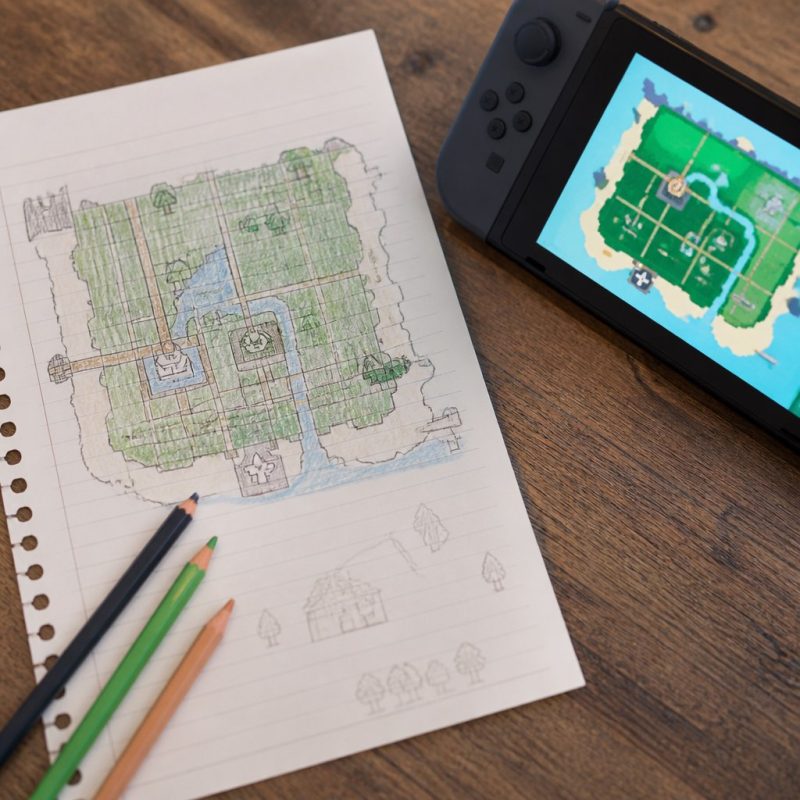
Plan everything on paper — or a grid app — before you demolish a single cliff. Skipping this step is the number one reason players spend 40 hours terraforming and still hate their island.
Your island is 48 acres total across a roughly 80×48 tile grid, though the exact usable area depends on your starting island layout. Start by identifying these anchor points:
- Airport (fixed, bottom edge)
- Resident Services plaza (fixed, usually center-lower area)
- Beach ring (fixed perimeter)
- Your existing river mouth locations (can be changed but costs significant time)
Decide your island’s theme before placing anything permanent. A Japanese garden layout, a cottagecore meadow, a dark academia campus — the theme dictates your cliff shapes, path materials, and where you’ll concentrate villager housing. The FarmVilleFreak community has debated this for years: players who theme first finish their islands. Players who terraform without a theme spend years in renovation purgatory.
After 300+ hours testing different approaches across multiple islands, one approach wins consistently: relocate all villager homes to their final positions, then terraform around them. Trying to terraform first and fit villagers in later creates impossible geometry problems.
How Do Cliffs and Waterfalls Actually Work?
Cliffs in ACNH are tile-based and snap to the grid automatically. Each cliff level raises the terrain by one visible story. You can stack 3 levels maximum — level 1 is the lowest cliff tier, level 3 is the highest accessible plateau.
Key cliff rules that catch beginners off guard:
- Cliffs need at least 1 tile of flat land at the top before dropping again.
- You cannot place a cliff directly adjacent to the beach.
- Cliff corners can be rounded or sharp — toggle by adjusting which tiles you include.
- Inclines (ladders and ramps) are placed separately via Tom Nook’s construction service for 98,000 Bells each. Budget for at least 6-8 of them.
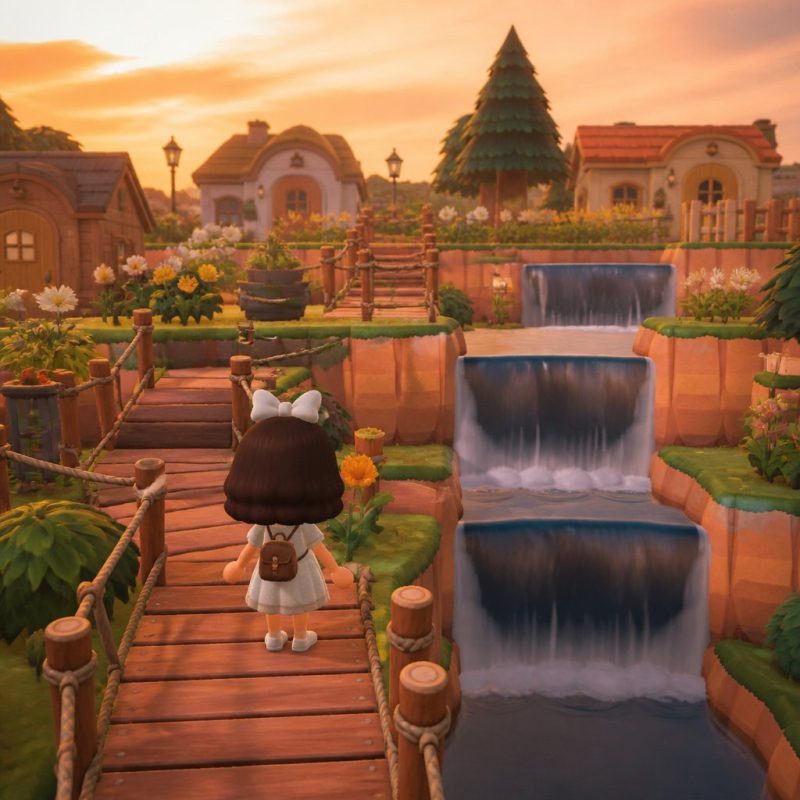
Waterfalls generate automatically wherever a river flows off a cliff edge — you don’t place them manually. To create a waterfall, dig a river channel that ends at a cliff face. The water cascades down. You can stack waterfalls across multiple cliff levels for a dramatic multi-tier effect.
Rivers must be at least 2 tiles wide to flow correctly. A 1-tile channel will appear as a pond segment rather than a flowing river.
Is Conventional Terraforming Advice Actually Wrong? (Contrarian Take)
Most guides tell you to flatten your entire island first, then rebuild from scratch. That advice is wrong for most beginners, and here’s why.
Flattening everything takes 15-25 real hours of tedious demolition. After that stretch of pure destruction with nothing to show for it, most players burn out before building anything. The accounts I’ve seen abandoned mid-project on the ACNH subreddit over the years? Almost all of them started with a full flatten.
A better approach: terraform in zones. Pick one section of your island — say, the northwest quadrant — and perfect it completely before touching anything else. Live with the finished zone for a week. You’ll discover design patterns you actually like, and you’ll carry those into the next zone with momentum instead of decision fatigue.
The other bad advice: “use custom path designs for everything.” Custom paths look incredible in screenshots but are brutal to maintain. Every new furniture placement, every villager move, every seasonal decoration requires re-laying tiles around it. Built-in path textures (particularly the Stone Path and Brick Path options) age far better and look excellent with the right furniture choices.
If you enjoy the design side of these games, you might also love what’s happening in farm and life-sim games with deep customization systems — several give you similar creative control with less friction.
What Are the Most Common Terraforming Mistakes Beginners Make?
The biggest mistake is ignoring elevation flow — cliffs that dead-end without inclines, leaving entire plateau sections inaccessible. Always place an incline within every cliff area before decorating it.
Here are the mistakes we see most from the FarmVilleFreak community and how to fix each one:
- Making rivers too narrow: Always dig rivers at least 2 tiles wide. Add 3-tile-wide sections near bridges for visual variety.
- Placing inclines too close together: Leave at least 3 tiles between incline bases. Cramped inclines block furniture placement on either side.
- Forgetting tree spacing: Trees need 1 empty tile on all sides to grow. Terraforming around existing trees without accounting for this kills them.
- Covering beach access: Always leave path connections to the beach from multiple directions. Locked-off beach sections frustrate daily shell collection and seasonal events.
- Overbuilding cliffs near the top edge: The top row of your island map is unusable terrain. Don’t spend time decorating cliff tops that push against the invisible northern border.
Yes — the Island Designer app has an undo function accessed by pressing the minus button, but it only undoes one action at a time. For large mistakes, you’ll need to manually re-terraform the affected area.
What Are the Best Terraforming Layout Ideas for Small Islands?
The most functional beginner layouts share one trait: they use cliffs to separate functional zones rather than as pure decoration. Zone separation makes your island feel intentional even before you add furniture.
Three layouts that work well for beginners:
The River Split: Run one main river diagonally across the island from north to south, creating a natural east-west divide. Put villager housing on one side and your farm, orchard, and utility buildings on the other. Use 2-3 stone bridges to connect them. This layout takes roughly 8-10 hours to terraform and looks cohesive immediately.
The Terraced Mountain: Build a large 3-level cliff mass in the northern third of your island. Use it for your house at the top level, decorative gardens at mid-level, and villager homes at ground level facing south. Waterfalls cascade from your house level down to the village area. Dramatic, relatively simple to execute.
The Peninsula: Use the waterway permit to dig a partial channel that creates a peninsula jutting into a large artificial pond on the east or west side. Put a specific themed area on the peninsula — a museum district, a shopping street, a zen garden. The water boundary gives the area a distinct identity without complex cliff work.
For more cozy game design inspiration, our roundup of cozy games perfect for stress-free creative play covers titles with similarly satisfying build systems.
How Long Does Terraforming a Full Island Actually Take?
A complete island terraforming project — cliffs, rivers, paths, villager placement, and full decoration — takes most dedicated players between 100 and 300 real hours. That’s not a typo.
Breaking that down realistically: demolition and basic reshaping of terrain takes 20-40 hours. Placing inclines, bridges, and paths takes another 15-25 hours. Furniture placement, custom designs, and fine-tuning takes the remaining 60-200+ hours depending on your perfectionism level.
The Animal Crossing Wiki documents every buildable item and its dimensions — bookmark it. Knowing exact furniture footprints before you terraform saves massive amounts of re-work.
If that timeline feels discouraging, reframe it: most players don’t terraform all at once. They live on their island, play daily, and reshape a section every few weeks. That pace is actually more enjoyable. The Nintendo Switch version of ACNH saves automatically and constantly, so you can pick up and put down the project whenever you want without losing progress.
Want to understand the full scope of what ACNH offers beyond terraforming? Our complete New Horizons beginner’s guide maps the entire game progression from day one.
Frequently Asked Questions
Can you terraform in Animal Crossing before K.K. Slider visits?
No. Terraforming is locked until the morning after K.K. Slider’s first concert on your island. To trigger that concert, you need Isabelle to give your island a 3-star rating, which requires at least 7 villagers, sufficient outdoor furniture, enough planted trees and flowers, and no excessive weeds or trash on the ground. There’s no shortcut to this — it’s a deliberate mid-game milestone.
How many Nook Miles do you need to fully unlock terraforming?
You need 12,000 Nook Miles to buy both the Cliff Construction Permit and the Waterway Construction Permit from the Nook Stop terminal — 6,000 Miles each. The Island Designer app itself is free from Tom Nook. Custom path permits are included at no extra cost. Budget your Nook Miles accordingly; don’t blow them on catalog items before buying these two permits first.
How high can cliffs go in Animal Crossing: New Horizons?
Cliffs max out at 3 levels in ACNH. Level 1 is the first cliff tier above ground, level 2 is the second tier, and level 3 is the highest reachable plateau. You cannot build a 4th level. Each level requires its own incline to access. The top cliff level is ideal for player houses or showcase gardens since it’s the most visually prominent position on the island.
What happens if you terraform over a villager’s house?
You cannot terraform terrain directly occupied by a villager’s house — the game prevents it. You’d need to move the villager’s home first using Tom Nook’s infrastructure relocation service, which costs 50,000 Bells and takes effect the following day. Always relocate buildings before reshaping the terrain around them to avoid having to redo cliff or path work.
Can you change where the river meets the ocean in ACNH?
Yes, with the Waterway Construction Permit you can redirect rivers entirely, including changing where they exit to the sea along the beach edge. This is one of the most powerful reshaping tools in the game. Be aware that redirecting a river mouth is time-consuming — you’ll need to fill the old channel and dig a new one tile by tile while keeping river width at 2 tiles minimum throughout.
Do custom path designs get removed if you terraform over them?
Yes. Any custom path design tiles get deleted if you use the Island Designer app to place a cliff, dig water, or use a different path material on top of them. This is a major reason experienced players keep detailed records of their custom design QR codes and creator IDs. Before any major terraforming session, back up the designs you’re using most frequently so you can re-download them.
How many bridges and inclines can you have on your island?
You can have a maximum of 8 bridges and 8 inclines on your island simultaneously. This limit is firm and cannot be expanded. Plan your cliff layout to work within 8 inclines — it’s more constraining than most beginners expect. Prioritize incline placement at the main traffic routes between your airport, Resident Services, shops, and villager housing before adding inclines to decorative areas.
Is there a way to see your island layout from above while terraforming?
The in-game map on your Nook Phone shows a top-down view but lacks grid detail. For precise planning, most serious terraformers use third-party fan tools like Happy Island Designer, a browser-based grid planner that lets you mock up cliffs, rivers, buildings, and paths before touching your actual island. These tools save enormous amounts of time and are widely recommended by the ACNH design community.
Can you terraform in Animal Crossing: New Horizons on Nintendo Switch Lite?
Yes, terraforming works identically on Nintendo Switch Lite. The only difference is that Switch Lite doesn’t output to a TV, so you’ll be working on the smaller handheld screen. Some players find the smaller display harder for precise tile-by-tile terraforming. If you have access to a standard Switch, docking it to a TV for terraforming sessions makes the work significantly easier on your eyes.
Does terraforming affect island star rating?
Terraforming itself doesn’t directly raise or lower your star rating — Isabelle scores based on furniture placement, plantings, villager count, and cleanliness, not terrain shape. However, terraforming creates space to place more outdoor furniture and gardens efficiently, which indirectly helps your rating. A fully terraformed island with thoughtful decoration will hit 5 stars and maintain it far more easily than a default-terrain island with random furniture scattered around.